

Amber LockSeal the apps that keep pulling you back, and let your steps be the only thing that melts them free.
There’s an old gnomish legend where a distracted worker’s candied berries were sealed in magical tree sap until he plowed the fields. Amber Lock takes the same idea and applies it to your phone. Seal your most addictive apps in digital amber. To get them back, you have to put the phone down and walk.
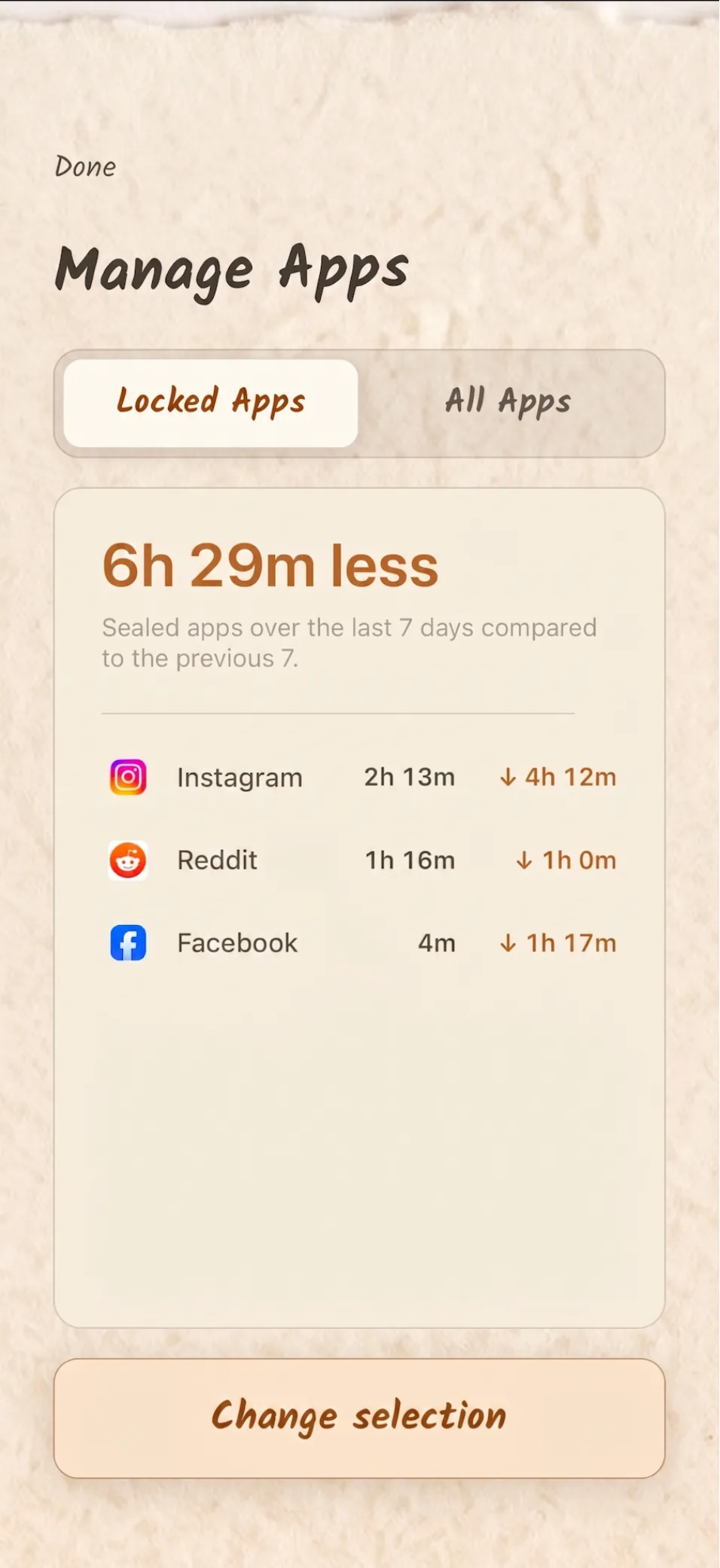
Track how much less time you spend on sealed apps. 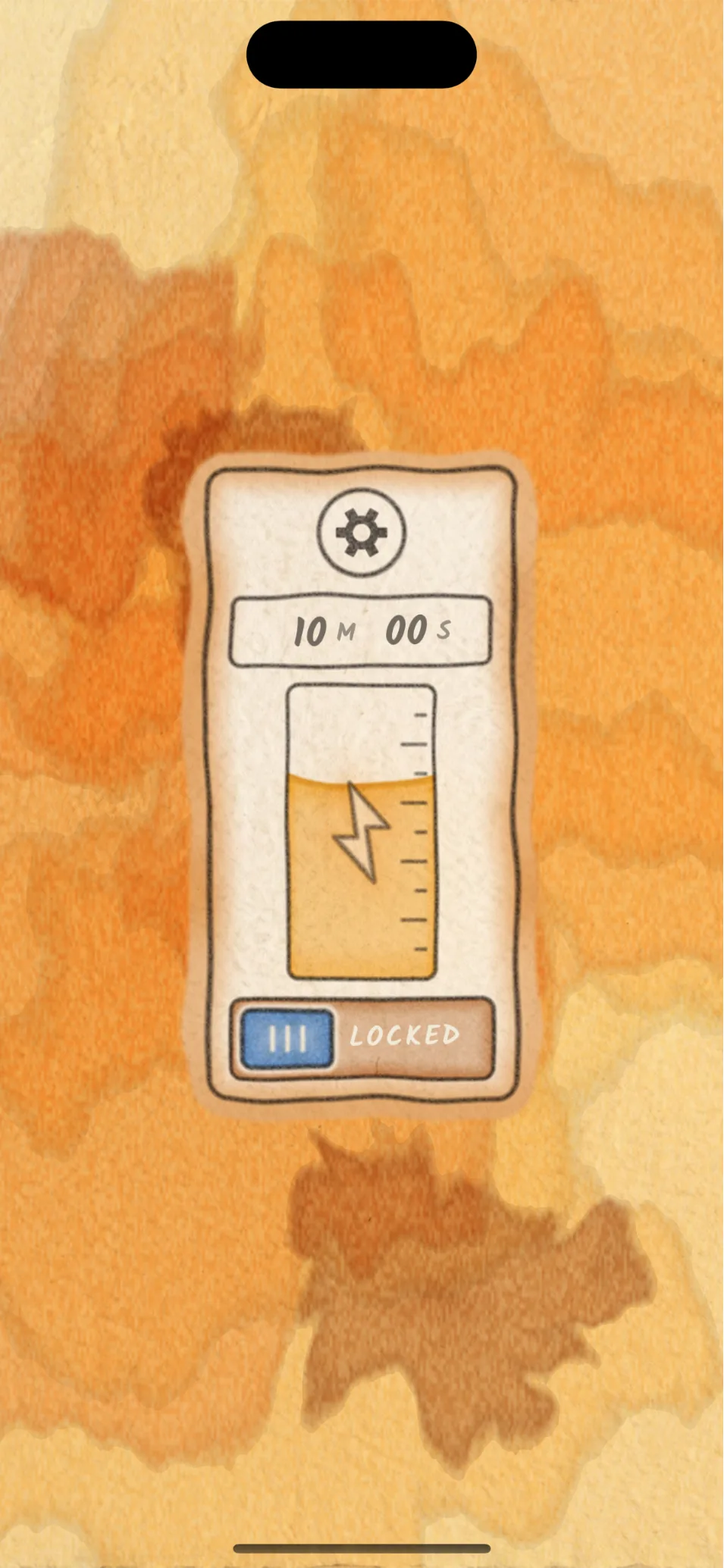
Seal distracting apps in amber. Walk to melt them open. 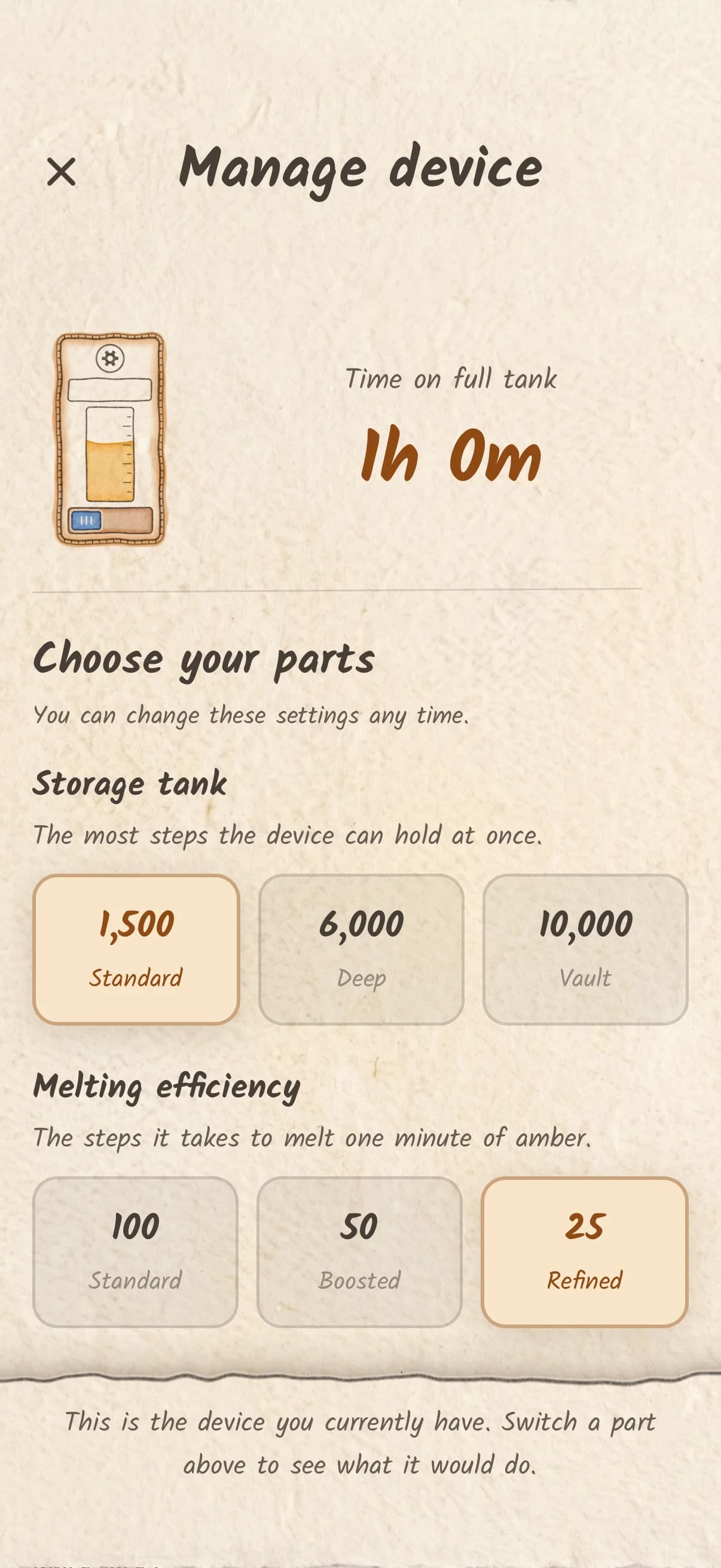
Pick the tank size and melting speed that fit your routine. 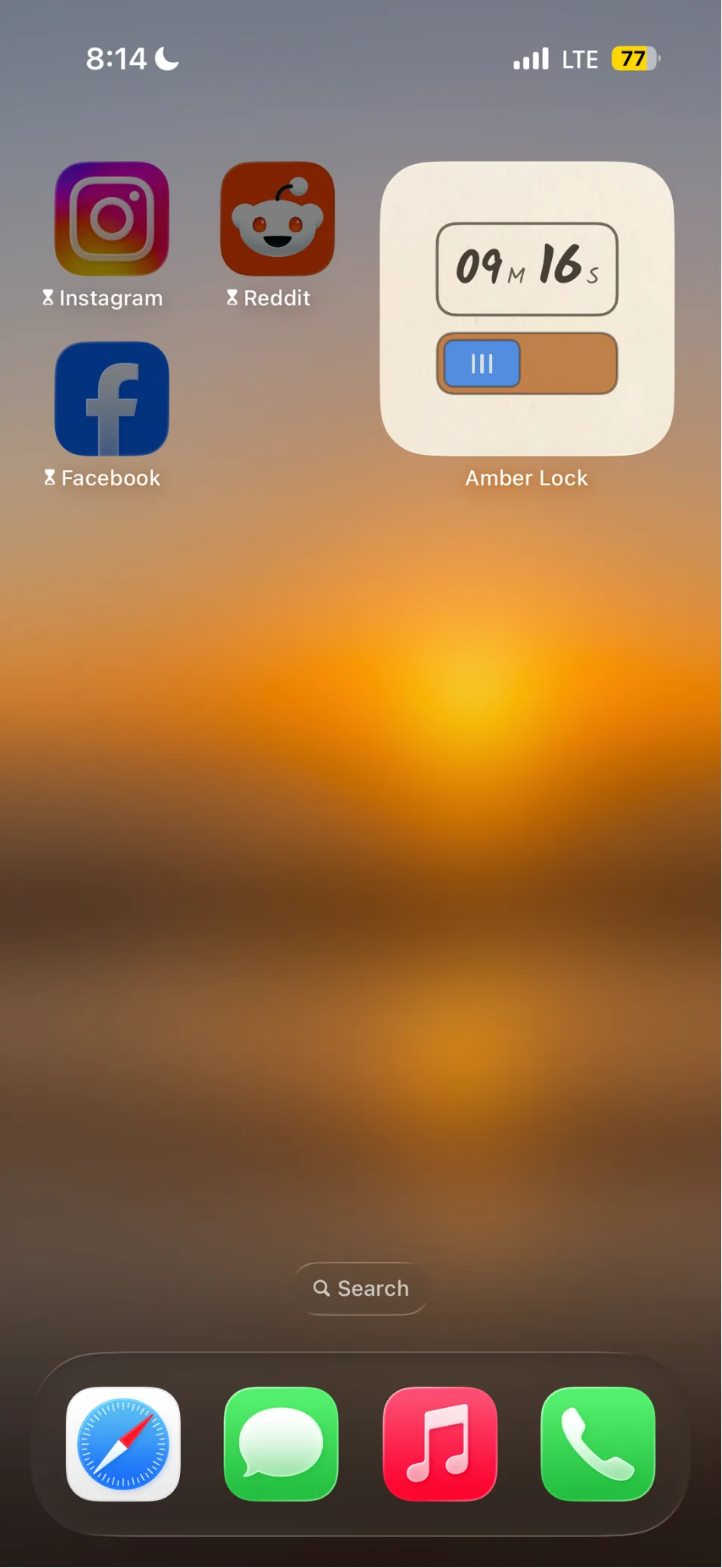
A widget keeps the tank in sight. 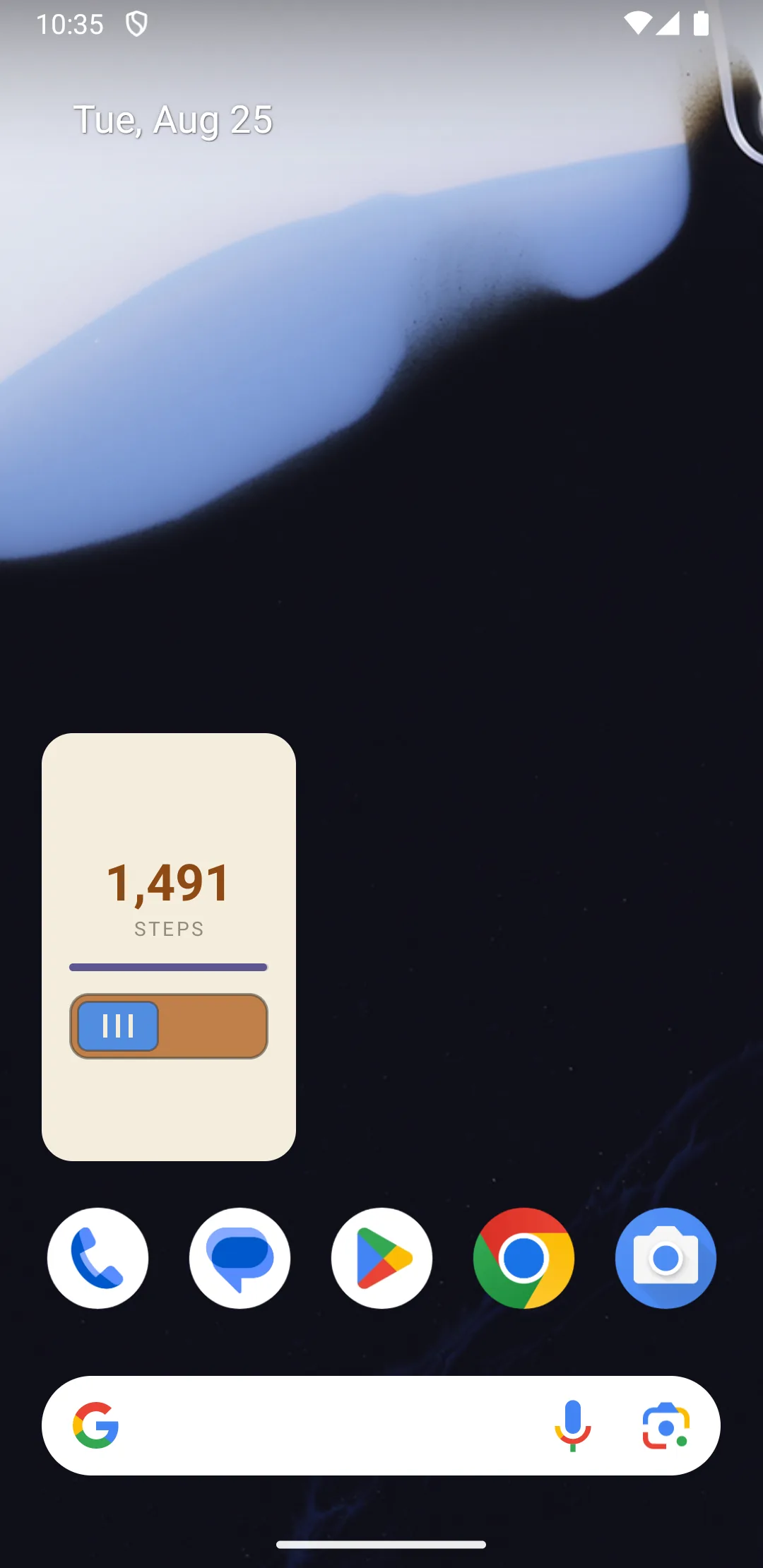
The same on Android, counting steps.
How it works
Seal what keeps pulling you back
Pick the apps that eat your time: Instagram, TikTok, Reddit, the news, whatever yours are. Seal them in digital amber.
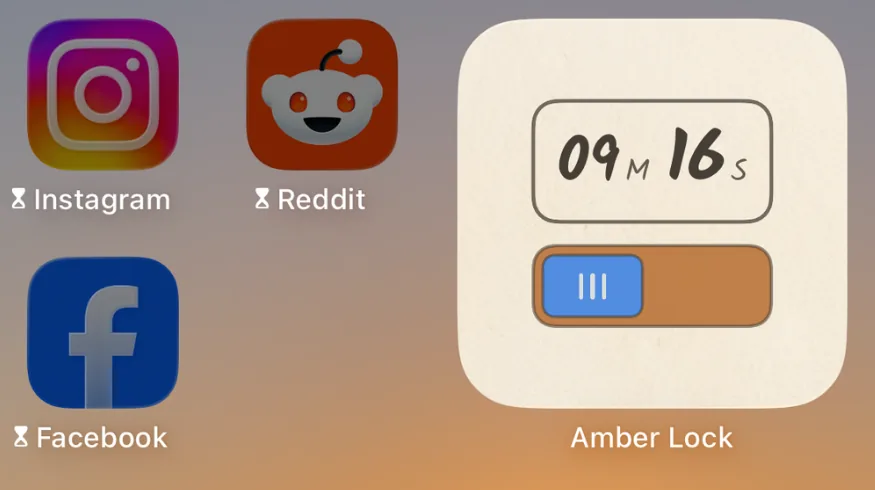
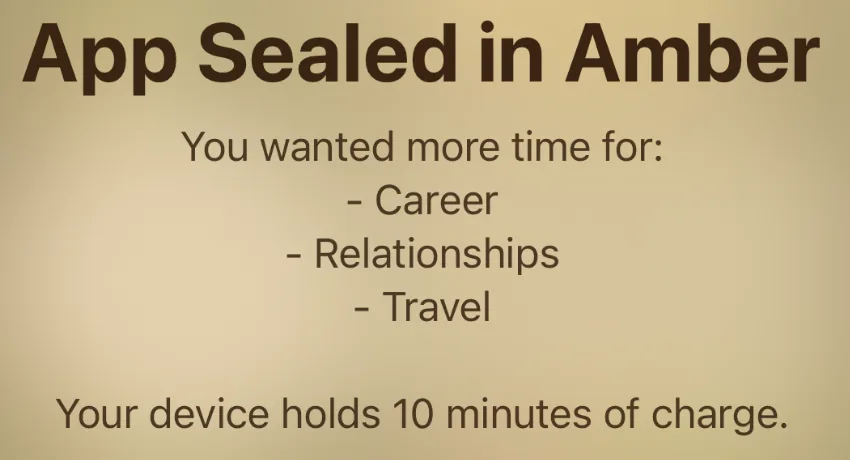
Reach for one and find amber
The next time your thumb goes where it always goes, the app is sealed.
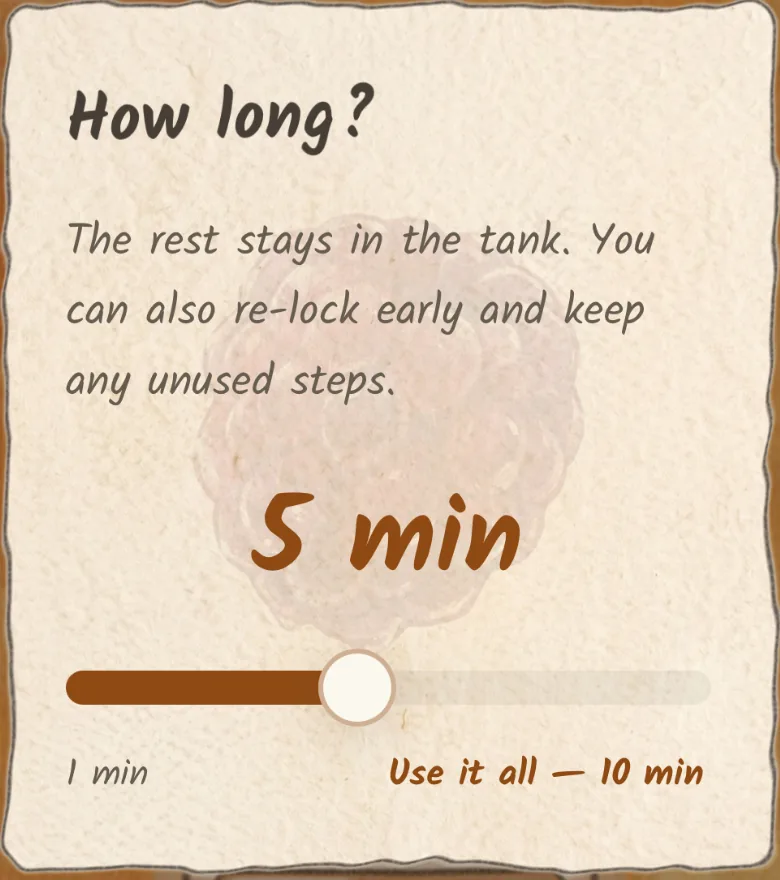
Walk to melt the resin
Store your steps in a tank. When you want to unlock your apps, choose how much to spend. Anything you don't use stays for later.
What makes it different
Friction, not willpower
Most app blockers end with a button that says 'ignore for today.' Amber Lock replaces that button with a walk around the block.
Track your screen time savings
See how much less time your sealed apps took this week compared to last, app by app.
A widget for your home screen
Your banked time sits on your home screen beside the apps it's holding shut.
Works offline, no account needed
No sign-in, no account, no data to sync. Amber Lock works on a plane, underground, or with data off.
Your data stays on your device
Which apps you sealed, your usage, and your step counts never leave your phone. We don't see any of it.
Uses your existing step counter
Steps come from Apple Health or Health Connect. The walk you already took counts.
Free & paid
Amber Lock is free. You configure your amber melter with two settings (storage tank and melting efficiency), and four of the six options are free.
Free
- Seal any apps on your phone and walk to melt the amber.
- Use the widget and track your screen-time savings.
- Storage tank: Standard (1,500 steps) and Deep (6,000 steps).
- Melting efficiency: Standard (100 steps/min) and Boosted (50 steps/min).
- Fuel cells that add 1,000 steps to your tank in a pinch.
One-time purchases
- Vault storage tank (10,000 steps). One-time purchase, yours forever.
- Refined melting efficiency (25 steps/min). One-time purchase, yours forever.
- Buy both together for a small bundle discount.
Pricing is shown in your app store and varies by country.
No subscriptions. The free settings are genuinely usable, and the upgrades are one-time purchases that never expire.
Questions
- How is this different from Screen Time or a normal app blocker?
- Screen Time ends with an 'ignore for today' button. Amber Lock replaces that with a walk. The cost of getting back in is paid in steps, not willpower.
- Does Amber Lock know which apps I blocked?
- No. You choose them through your phone's own picker. That selection stays on your device and never reaches us.
- Can it block TikTok and Instagram?
- Yes, and anything else on your phone. You can seal individual apps or whole categories like Social.
- Can I just bypass it?
- Amber Lock is friction, not a cage. The easy way back in is a walk, which is usually enough to break the reflex. Any app promising an unbreakable lock is overselling itself.
- Does it work with an Apple Watch?
- Yes. Your Apple Watch writes steps into Apple Health, and Amber Lock reads them from there.
- What permissions does it need?
- On iPhone it uses Screen Time APIs and reads steps from Apple Health. On Android it uses usage access and Health Connect. All of it stays on your device.
- Do I need an account?
- No. No account, no email, no sign-in. Deleting the app removes everything.
- Is Amber Lock free?
- Yes. Sealing, blocking, the widget, screen-time tracking, and four of the six amber melter settings are free. The two highest settings (Vault tank and Refined efficiency) are optional one-time purchases that never expire. There are no subscriptions.
- What actually leaves my phone?
- Purchase status, crash reports, basic product analytics, and install attribution, all with a pseudonymous device ID. Never which apps you sealed, your usage, or your step counts.
- What happens to time I don't use?
- It stays in the tank. Choose how long to melt for, and if you re-lock early the rest is still there.
- Is Amber Lock on Android?
- Yes. Amber Lock is on both the App Store and Google Play.