
Little WingsA cozy bug-collecting game that runs on your step count.
No GPS, no map to follow, no phone in hand.
Join the Critter Collectors! The world's leading researchers of little creatures. Every step you take in the real world stirs something from the undergrowth. Lace up, head out, and let your walk do the finding. Open Little Wings to see every critter you crossed paths with.
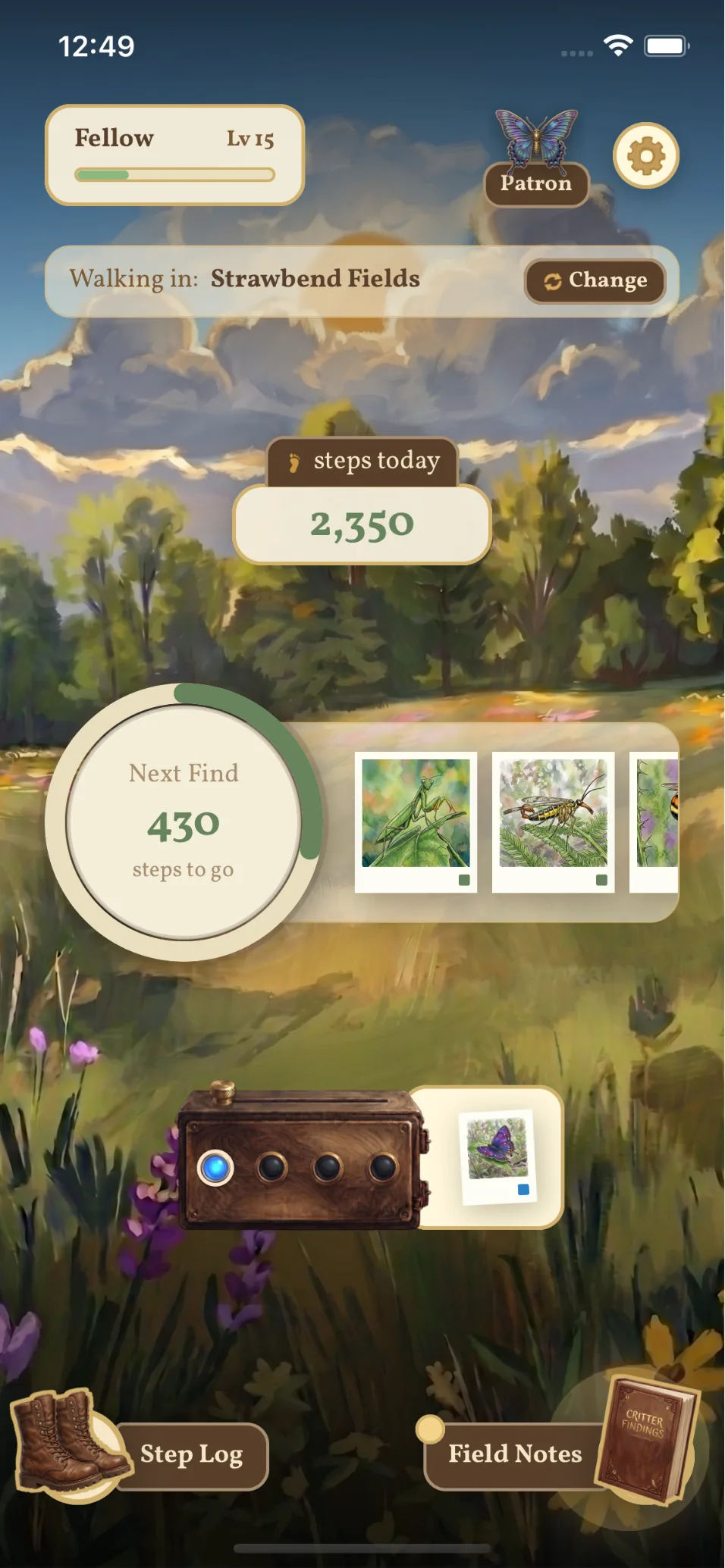
Your device's steps find critters in Little Wings. 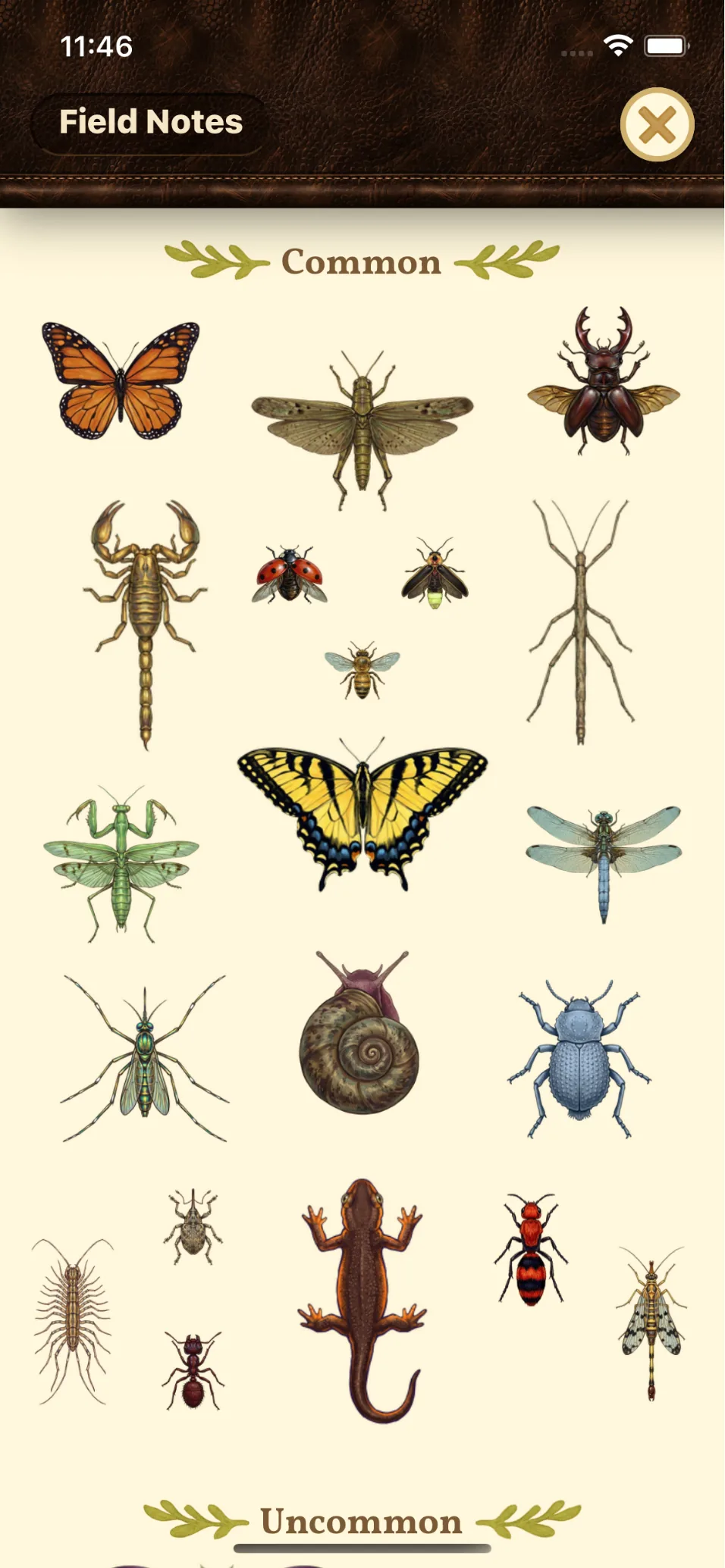
Everything you find is documented in your Field Notes. 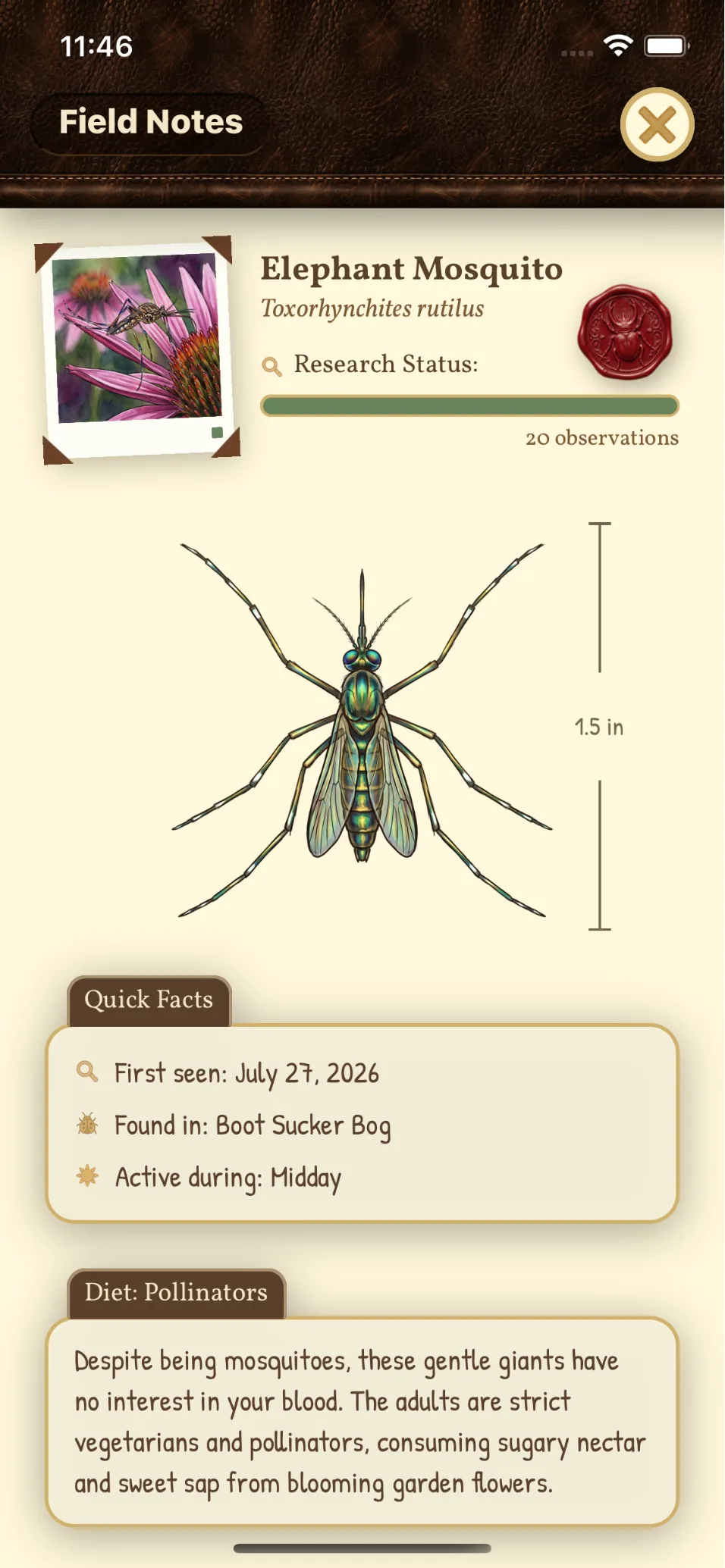
Learn real facts about each critter. 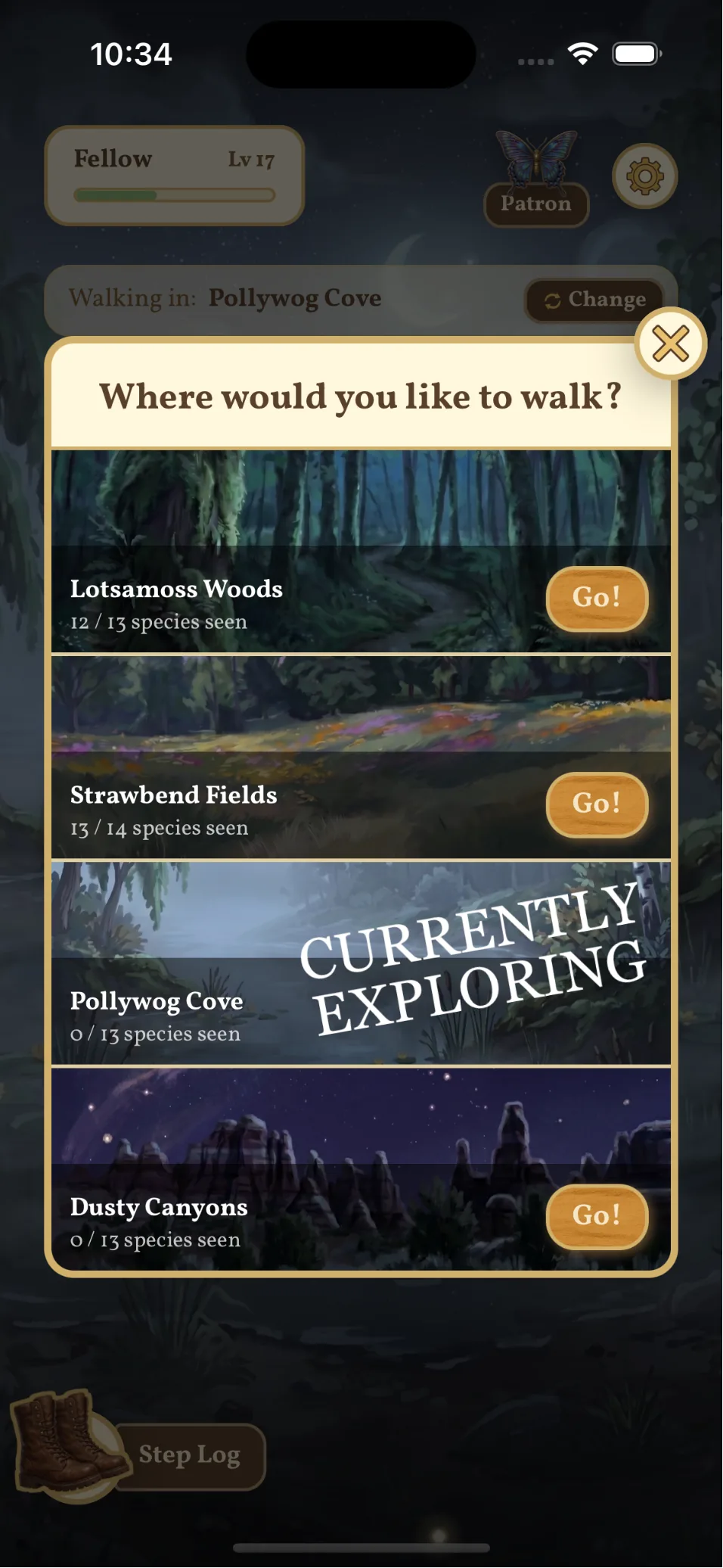
Different biomes to explore.
How it works
Walk wherever you were already going
No map to follow, nowhere you have to be. Little Wings reads the step count your phone already keeps. The walk to the shops counts just as much as the trail you planned.
Your steps stir the undergrowth
Every step disturbs something in the undergrowth. You won't see it happen. Put the phone away and let the walking do the work.
Come back and see who you met
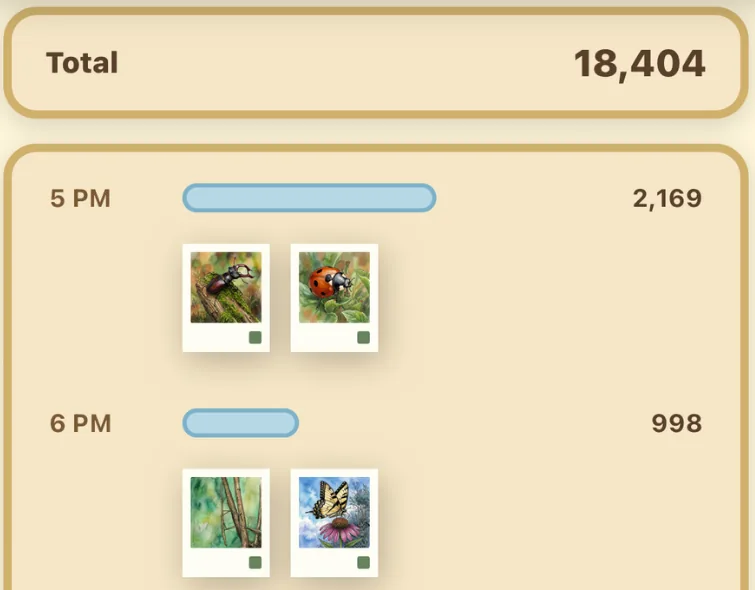
Open Little Wings afterwards to see every critter that crossed your path while you were out: some with no wings, some with big wings, and some with little wings.
What makes it different
No GPS, no battery drain
Little Wings never reads your location. It only needs your step count, so there's no live map burning through your battery.
Walk first, check later
Your walk has already happened by the time you open the app. No routes, no timers, no phone in hand.
Uses your existing step counter
Steps come from Apple Health on iPhone and Health Connect on Android. Whatever pedometer your phone already uses is the one the game runs on.
A widget for your home screen
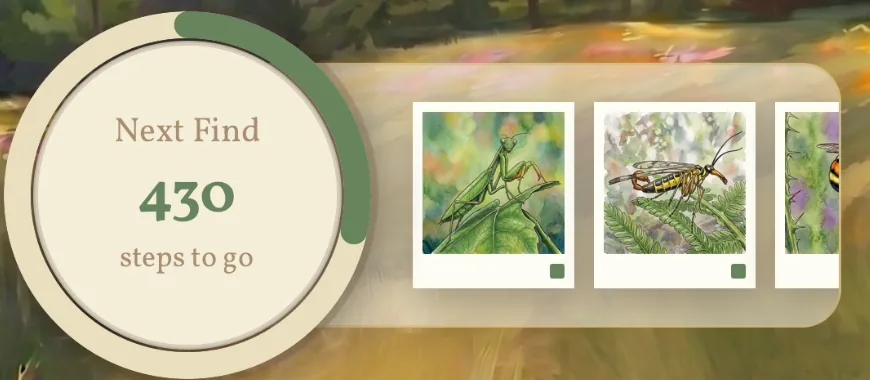
See today's steps and the countdown to your next find without opening the app.
Your step data stays private
Step data advances the game and nothing else. We don't sell it, don't use it for ads, and don't fold it into analytics.
Free & paid
Everything in Little Wings is free. A subscription just smooths a few edges.
Free
- Every critter, every biome, every field note.
- The full game is completable without paying. It just takes a little longer.
With a subscription
- Critters appear about 100 steps sooner.
- Revive a broken streak.
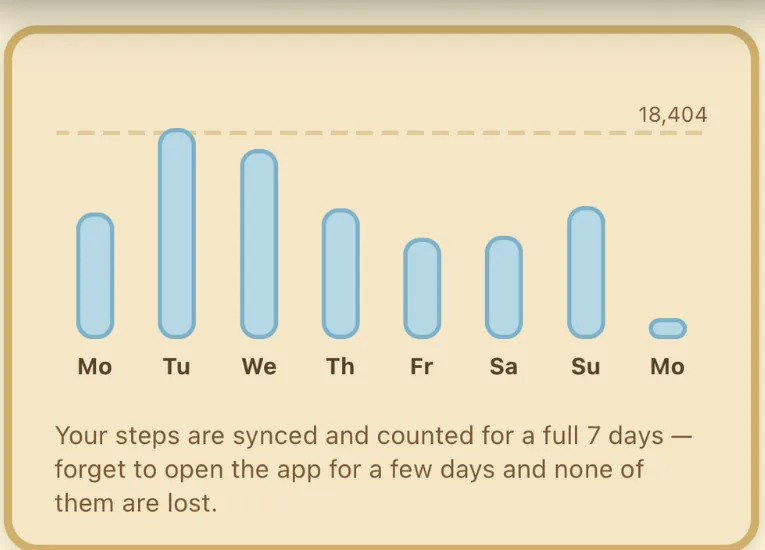
- The step sync window extends from 48 hours to 7 days, so days off-grid don't go to waste.
Pricing is shown in your app store and varies by country.
The free version isn't a demo. Nothing expires, and we don't nag.
The Great Archives
The Critter Collectors have generously opened their Great Archives for all to see. Inside is the collective research of every critter the Guild's members have meticulously studied and documented.
See the Great ArchivesQuestions
- Does Little Wings track my location?
- No. Little Wings never reads your location. It reads your step count from Apple Health on iPhone or Health Connect on Android, with your permission. That's the only thing it needs to work.
- Do I have to keep the app open while I walk?
- No. Your steps are counted by your phone whether Little Wings is open or not, so you can walk with it in your pocket and open the app when you get back.
- Will it drain my battery?
- There's no GPS and no live map running, which is what usually drains a phone during a walking game. Little Wings just reads a step count your phone was already keeping.
- Is Little Wings on Android?
- Yes. Little Wings is on both the App Store and Google Play, and reads steps from Health Connect on Android.
- Does it work with an Apple Watch?
- Yes. Your Apple Watch writes its steps into Apple Health, and that's where Little Wings reads them. Steps from the Watch show up like any others, with nothing extra to set up.
- Does Little Wings work offline?
- It needs a connection to load species data and sync your finds.
- Do I need to create an account?
- No. Just download and play. Your progress syncs automatically without a manual sign-up.
- Is Little Wings free?
- Yes. Every critter, biome, and field note is reachable without paying. A subscription makes critters turn up a little sooner, lets you revive a broken streak, and extends the step sync window from 48 hours to 7 days.
- Can I get my data deleted?
- Yes. Email support@gnomesteadcollective.com and we'll delete your account and everything associated with it, including your collection, analytics, and attribution records.